


New

Let your coding agents install Stick for you. Paste this into Codex, Cursor, Claude Code, ChatGPT, or another assistant:

Install Stick from https://github.com/jvalaj/stick on my Mac. Clone the repo, run ./scripts/build-app.sh, move dist/Stick.app to my Applications folder, and explain how to open it if macOS blocks the unsigned app.
IntroducingStick A free, open source, beautiful sticky notes app for macOS
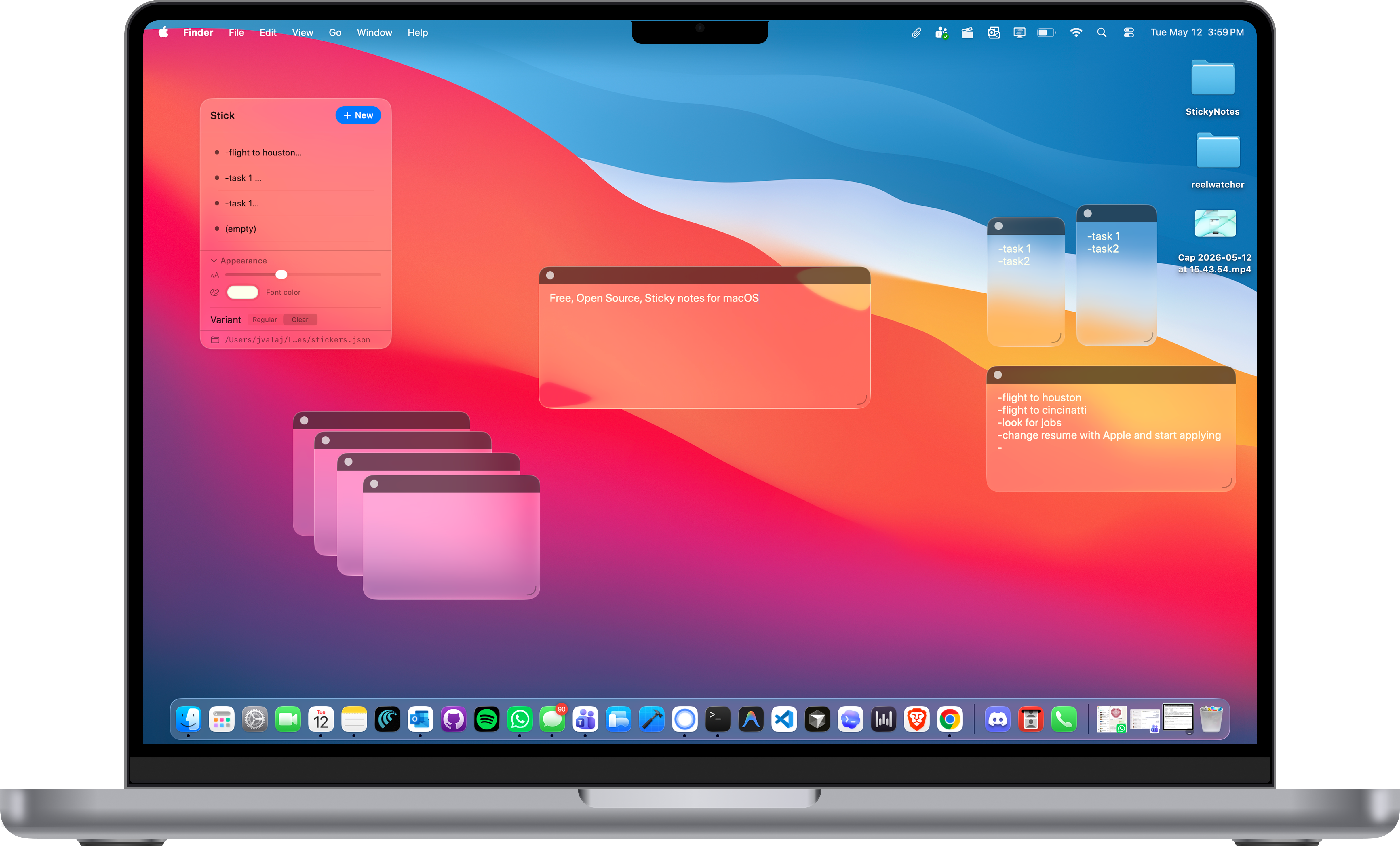
Stick: liquid glass sticky notes on a MacBook Pro

Native SwiftUI

Real macOS app in SwiftUI. No Electron, no embedded browser, no extra runtime.

Always on desktop

Notes float on your wallpaper and sit beneath app windows: there when you look, quiet when you focus.

Feather-light

Launches instantly and uses almost no memory: a small Swift binary you can run or ship with swift build -c release.

Liquid glass UI

Minimal chrome and translucent surfaces tuned to feel at home next to Apple’s own apps.

JSON on disk

Notes are saved as JSON in Application Support. The dashboard shows the path. Click it to reveal the file in Finder.

Menu bar home

Runs from the menu bar with a dashboard. Hit + New whenever you want another sticky on screen.